What is WordPress and Why Is It So Popular?
WordPress is a content management system that lets people build and manage websites without needing to write code from scratch. It powers a significant portion of websites across the internet today, largely because it balances ease of use for beginners with enough flexibility for developers to build genuinely complex sites when needed.
WordPress.com vs WordPress.org — Know the Difference First
This is one of the most common points of confusion for beginners, so it's worth clarifying early:
| Aspect | WordPress.com | WordPress.org |
| Hosting | Hosted by WordPress itself | You choose and pay for your own hosting |
| Customization | Limited, especially on free plans | Full control over themes and plugins |
| Cost | Free with paid upgrade options | Free software, but hosting costs apply |
| Best For | Simple blogs, hobby sites | Businesses, portfolios, more advanced sites |
Most businesses and professionals use WordPress.org for the flexibility it offers, even though it requires a bit more initial setup.
Step-by-Step Process to Build a Website Using WordPress
Here's a realistic walkthrough of what building a WordPress website actually involves:
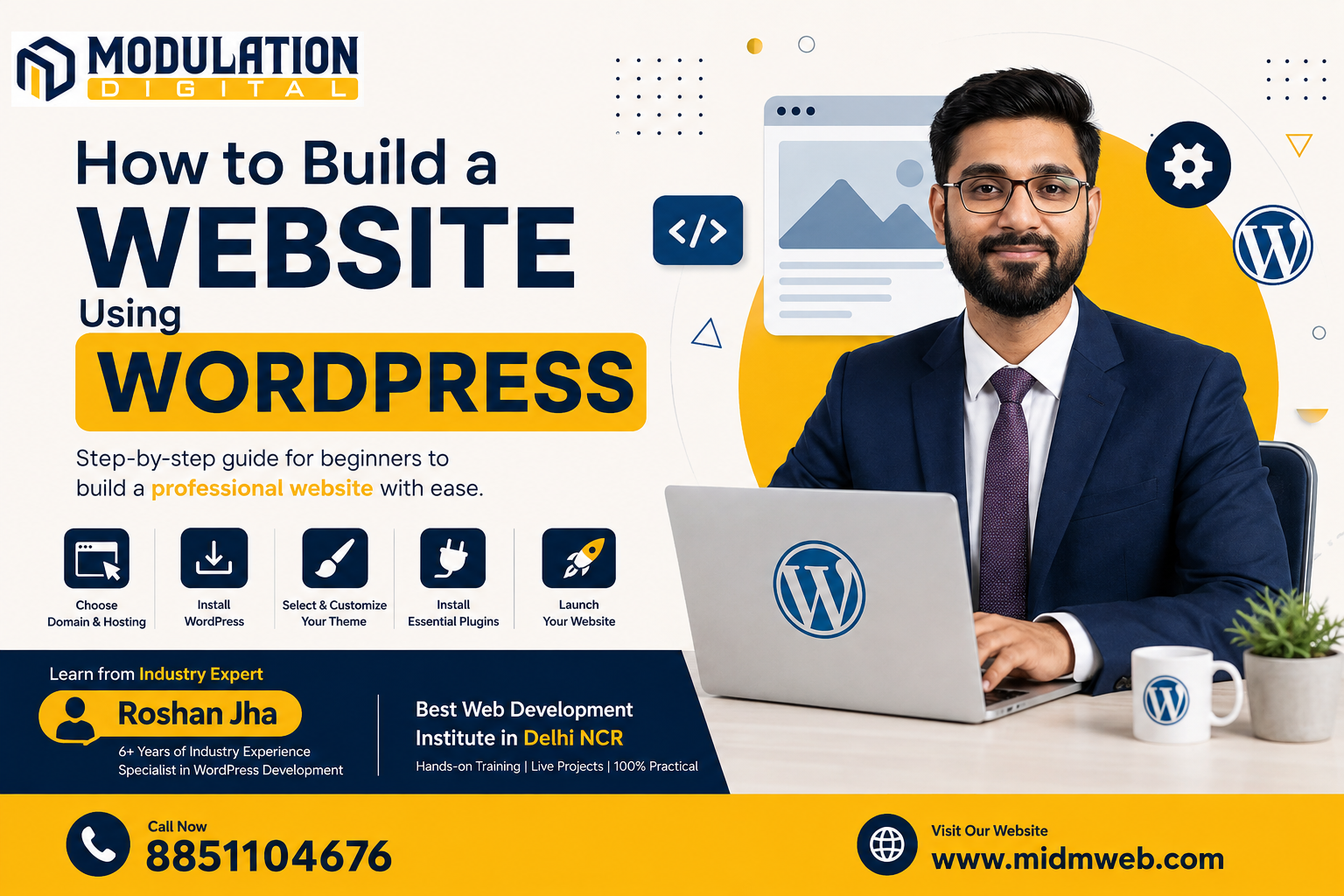
- Choose a domain name and hosting provider — this is your website's address and where it will live online
- Install WordPress — most hosting providers offer one-click WordPress installation
- Select a theme — choose a design template that matches your business or purpose
- Customize your site — adjust colors, layout, and branding to fit your needs
- Install essential plugins — add functionality like SEO tools, contact forms, or security features
- Create your core pages — build out your homepage, about page, services, and contact page
- Test and launch — check everything works properly before making the site publicly live
Choosing the Right Theme for Your Website
A theme controls your website's overall look and layout, so choosing wisely matters:
- Match your industry — a portfolio site needs a different layout than an e-commerce store
- Check mobile responsiveness — the theme should look good on phones, not just desktop screens
- Consider loading speed — heavier, feature-packed themes can slow your site down significantly
- Look for regular updates — actively maintained themes tend to have fewer security issues over time
Essential WordPress Plugins Every Beginner Should Know
Plugins extend what your website can do, and a few tend to be genuinely essential:
| Plugin Type | Purpose |
| SEO Plugin | Helps optimize your content for search engines |
| Security Plugin | Protects your site from common vulnerabilities and attacks |
| Caching Plugin | Improves website loading speed |
| Contact Form Plugin | Lets visitors reach out directly through your site |
| Backup Plugin | Keeps regular backups in case something goes wrong |
WordPress vs Coding a Website from Scratch
Building with WordPress is significantly faster and more accessible than coding a site entirely from scratch, especially for standard business websites. Custom-coded websites offer more flexibility and control but require far more time, technical skill, and often a larger budget. For most small to mid-sized businesses, WordPress strikes a practical balance — professional results without needing a dedicated development team for every small update.
Common WordPress Mistakes Beginners Make
| Mistake | Why It's a Problem |
| Installing too many plugins | Slows down the website and increases security risks |
| Ignoring regular updates | Outdated WordPress core, themes, or plugins are a common security vulnerability |
| Skipping backups | Makes recovery difficult if something breaks or the site gets hacked |
| Choosing a theme based only on looks | Can lead to slow, poorly optimized websites despite a nice design |
How to Keep Your WordPress Website Secure
Security is often overlooked until something goes wrong, so a few habits matter early on:
- Keep WordPress, themes, and plugins updated regularly, since updates often patch security vulnerabilities
- Use strong passwords and enable two-factor authentication where possible
- Limit login attempts to reduce the risk of brute-force attacks
- Choose reputable plugins from trusted developers rather than random, unverified sources
- Maintain regular backups, so recovery is possible even if something does go wrong
About Modulation Digital
Modulation Digital is a Best Web Development Institute in Delhi NCR focused on practical, hands-on training. Students build real WordPress websites during their course, working through actual themes, plugins, and customization rather than just watching demonstrations.
Meet Your Trainer – Roshan Jha
Leading WordPress and web development training at this Best Web Development Institute in Delhi NCR is Roshan Jha, who brings over 6 years of industry experience building and managing WordPress websites for real clients. His teaching approach focuses on practical, project-based learning, helping students go from a blank WordPress installation to a fully functioning website with confidence.
Frequently Asked Questions (FAQs)
1. Do I need coding knowledge to build a website with WordPress? No, WordPress is designed to be usable without coding, though basic HTML or CSS knowledge helps for deeper customization.
2. Is WordPress free to use? The WordPress software itself is free, though you'll typically need to pay for hosting and a domain name.
3. How long does it take to build a basic WordPress website? A simple website can often be built within a few days, while more complex sites may take a few weeks depending on customization needs.
4. Is WordPress good for e-commerce websites too? Yes, with plugins like WooCommerce, WordPress can power fully functional online stores.
5. Do I need to know design to make my website look professional? Not necessarily — pre-built themes handle much of the visual design, though some design sense helps with customization choices.
6. Can I switch themes after my website is already live? Yes, though switching themes may require some adjustments to maintain your site's layout and functionality afterward.
7. Is WordPress secure enough for business websites? Yes, when properly maintained with regular updates, strong passwords, and trusted plugins, WordPress can be quite secure.
8. What's the difference between a theme and a plugin? A theme controls how your website looks, while a plugin adds specific functionality, like contact forms or SEO tools.
9. Can I build a WordPress website on my phone? It's possible for basic edits, but building and customizing a full website is much easier on a desktop or laptop.
10. Do I need separate hosting if I use WordPress.org? Yes, WordPress.org requires you to choose and pay for your own hosting provider separately.
11. How many plugins are too many for a WordPress site? There's no fixed number, but installing only what you genuinely need helps keep your site fast and secure.
12. Can WordPress websites rank well on Google? Yes, especially with proper SEO plugins and good content practices, WordPress sites can rank very effectively.
13. Is it possible to migrate an existing website to WordPress? Yes, though the process varies in complexity depending on the original platform and how much content needs to be transferred.
14. Do I need technical support after my WordPress site is live? Occasional maintenance like updates and backups is recommended, though many small issues can be handled without ongoing technical support.
15. Once my WordPress website is live, how do I actually get people to visit it through social platforms? That's where social media marketing becomes useful for driving traffic. It's covered in detail in our other guide: How to Do Social Media Marketing: A Complete Guide
Conclusion
Learning how to build website in wordpress effectively comes down to understanding the basics — hosting, themes, plugins, and security — rather than getting overwhelmed by every possible customization option at once. It remains one of the most practical, accessible ways to build a professional website without needing to code everything from scratch. If you're ready to learn this properly, Modulation Digital, a trusted Best Web Development Institute in Delhi NCR, offers hands-on training under Roshan Jha's guidance, helping students build real, working websites from start to finish. Reach out today to book a free counselling session.