What is Power BI Actually Used For?
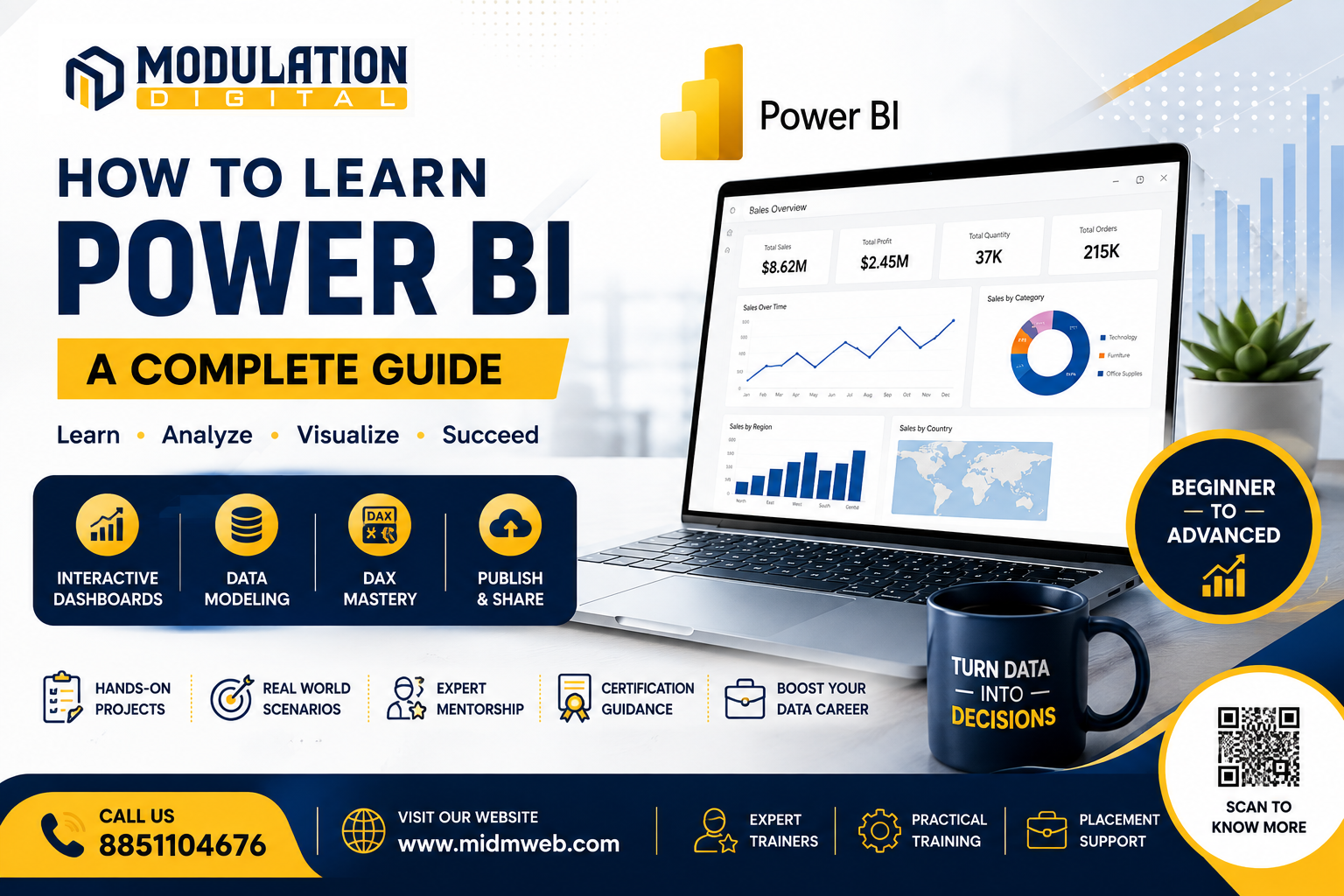
Power BI is a business intelligence tool used to connect, model, and visualize data through interactive dashboards and reports. Instead of scrolling through rows of raw numbers, teams can view trends, comparisons, and key metrics visually, often updated automatically as new data comes in.
Core Components of Power BI You Need to Understand
Before diving into learning, it helps to understand the main parts of Power BI:
| Component | What It Does |
| Power BI Desktop | The application used to build reports and dashboards on your computer |
| Power BI Service | The cloud platform used to publish, share, and collaborate on reports |
| Datasets | The underlying data connected and modeled within Power BI |
| Reports | Visual pages built from your data, containing charts and graphs |
| Dashboards | A collection of visuals pinned together for a quick overview |
Step-by-Step Learning Path for Power BI Beginners
Here's a realistic sequence for learning Power BI from scratch:
- Understand the interface — get comfortable navigating Power BI Desktop before building anything complex
- Connect to a data source — practice importing data from Excel files or simple databases
- Learn basic data modeling — understand how tables relate to each other within Power BI
- Build simple visuals — start with bar charts, line charts, and basic tables
- Learn basic DAX formulas — begin with simple calculations before attempting complex measures
- Create a complete dashboard — combine multiple visuals into one cohesive report
- Publish and share — practice publishing reports to Power BI Service for others to view
Understanding DAX — The Formula Language Behind Power BI
DAX, or Data Analysis Expressions, is the formula language used to create calculated columns and measures in Power BI. It can feel intimidating at first since it looks similar to Excel formulas but behaves differently in several ways. Starting with simple calculations — like totals and averages — before moving into more advanced time-based calculations tends to make the learning curve much more manageable.
Building Your First Dashboard — A Simple Walkthrough
Imagine you have sales data with columns for region, product, and revenue. Here's roughly how building a basic dashboard unfolds:
- Import the data — connect your Excel file or database table into Power BI Desktop
- Create relationships — link related tables if your data spans more than one source
- Add a bar chart — visualize revenue by region for a quick comparison
- Add a line chart — show revenue trends over time
- Add a summary card — display total revenue as a single, prominent number
- Arrange and publish — organize the visuals cleanly, then publish to Power BI Service
Common Power BI Mistakes Beginners Make
| Mistake | Why It's a Problem |
| Skipping data modeling basics | Leads to confusing or incorrect visuals later on |
| Overcrowding dashboards with too many visuals | Makes reports harder to read and understand quickly |
| Ignoring DAX fundamentals | Makes even simple calculations feel unnecessarily difficult |
| Not organizing data before importing | Creates messy, harder-to-model datasets inside Power BI |
Power BI Certifications Worth Considering
While not mandatory, a few certifications can strengthen a resume for data-focused roles:
- Microsoft Certified: Power BI Data Analyst Associate — a widely recognized credential for Power BI skills specifically
- Microsoft Certified: Data Analyst Associate — covers broader data analysis skills alongside Power BI
These certifications work best when paired with genuine, hands-on project experience rather than replacing it entirely.
Career Roles That Require Power BI Skills
Power BI skills open doors across several data-related roles:
- Business Analyst — using dashboards to support day-to-day business decisions
- Data Analyst — building and maintaining reporting systems for teams
- BI Developer — focused specifically on designing and building business intelligence solutions
- Reporting Specialist — dedicated to creating and maintaining recurring business reports
About Modulation Digital
Modulation Digital is a Best Data Science Institute in Delhi built around practical, hands-on learning. Students build real Power BI dashboards using genuine business scenarios throughout their training, rather than working through isolated, disconnected exercises.
Meet Your Trainers
Learning Power BI and broader data skills at Modulation Digital means training under three specialists:
| Trainer | Specialization | Experience |
| Shivam | Data Analytics | 5+ years |
| Vishal | Data Science | 14+ years |
| Gulshan | Data Science | 6+ years |
Shivam leads Power BI training as part of the core analytics curriculum, helping students build dashboards directly tied to real business reporting needs.
Vishal, with over a decade of industry experience, helps students understand how dashboard insights connect to broader data science and predictive workflows.
Gulshan works alongside Vishal, helping students strengthen their data modeling and DAX skills through guided, hands-on practice.
Placement Support by Our Placement Cell
Learning technical skills is only half the journey — actually getting placed in a genuine, reputed company is what matters most. This is handled by Prem, our Placement Cell (9+ years of industry experience), who works directly with hiring partners to connect students with real job opportunities once their training is complete.
Students from Modulation Digital have gone on to join well-known companies, including:
Flipkart
 | eBay
 | Genpact  | Shopify
 | Cognizant  |
TATA Capital  | Amazon  | Snapdeal  | Accenture  | Walmart  |
These are just a few names from our wider network of 700+ placement partners — genuine hiring companies that have actually recruited students from our courses, not just names listed for show.
Frequently Asked Questions (FAQs)
1. Is Power BI hard to learn for complete beginners? It has a learning curve, particularly around DAX and data modeling, but structured practice makes it manageable even for beginners.
2. Do I need to know Excel before learning Power BI? Not strictly necessary, though prior Excel experience often makes understanding Power BI's data concepts easier.
3. Is Power BI free to learn and use? Power BI Desktop is free to download and use, though certain sharing and collaboration features require a paid license.
4. How long does it take to become comfortable with Power BI? With consistent practice, most beginners can build basic dashboards within 4 to 6 weeks.
5. Do I need coding skills to learn Power BI? No traditional coding is required, though learning DAX formulas involves logic similar to formula-based calculations.
6. What is the difference between Power BI Desktop and Power BI Service? Desktop is used to build reports locally, while Service is the cloud platform used to publish, share, and collaborate on those reports.
7. Can Power BI connect to multiple data sources? Yes, Power BI can pull data from various sources simultaneously, including Excel files, databases, and cloud services.
8. Is Power BI only useful for large companies? No, small businesses can also benefit from Power BI once their reporting needs grow beyond what spreadsheets comfortably handle.
9. What is a good first project for practicing Power BI? Building a simple sales or expense tracking dashboard using sample data is a great, practical starting point.
10. Do I need to learn every DAX function to be good at Power BI? No, most professionals rely on a core set of commonly used functions and look up others as needed.
11. Is Power BI certification necessary to get a job? It's not mandatory, but it can strengthen a resume, especially when paired with genuine project experience.
12. Can Power BI handle real-time data updates? Yes, with proper configuration, Power BI can refresh data automatically from connected live sources.
13. What industries commonly use Power BI? Retail, finance, healthcare, and IT are among the industries that rely heavily on Power BI for reporting and analysis.
14. Is Power BI better than building custom dashboards from scratch? For most business needs, yes — Power BI offers faster development and easier maintenance compared to fully custom-built solutions.
15. Once I've mastered Power BI, what separates someone who's genuinely skilled from someone who's just getting by? That comes down to depth of understanding and judgment, not just tool familiarity. It's covered in detail in our other guide: What Makes an Expert-Level Full Stack Developer
Conclusion
Learning how to learn power bi effectively comes down to starting with the fundamentals, practicing consistently on real data, and gradually building up to more advanced dashboards and DAX formulas rather than rushing ahead. It's a skill that pays off across nearly every data-focused career path. If you're ready to learn this properly, Modulation Digital, a trusted Best Data Science Institute in Delhi, offers structured training under experienced mentors across data analytics and data science. Reach out today to book a free counselling session.